

Skip to content
Computer Components

Components, upgrades and the parts that keep machines alive

CPUs, GPUs, memory, drives, displays and peripherals: genuine parts, sensible advice
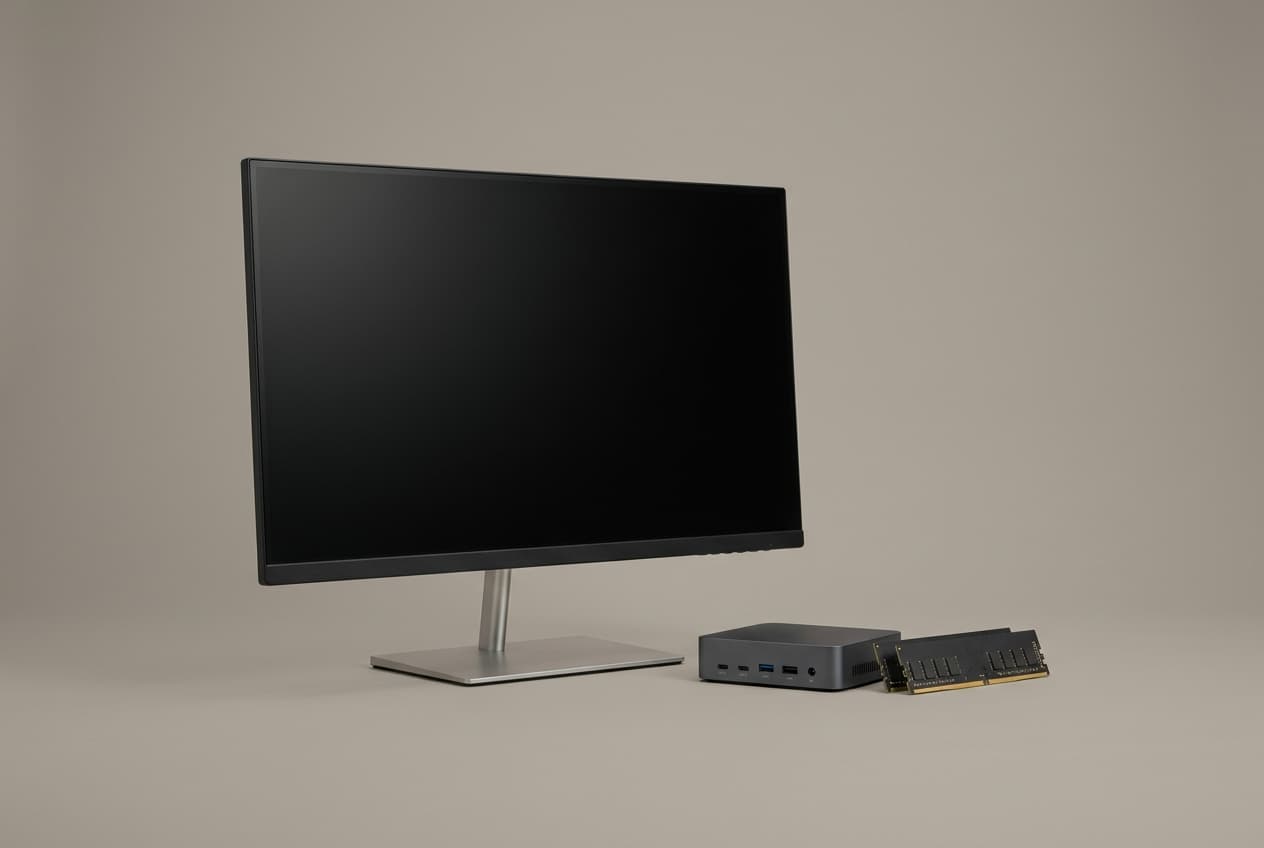
Computer Components
Typical lead time
Same day to 5 days on most lines
Warranty
Manufacturer warranty, 1–5 years depending on part
Fitting
On-site or workshop fitting available
Returns
14 days on unopened items
What we supply

Inside computer components

01

Processors and motherboards

Intel and AMD across desktop and workstation sockets, with matched boards so nothing arrives incompatible.

02

Memory

Desktop, laptop and ECC server modules. Usually the single cheapest upgrade a user can feel from the first morning.

03

Storage

NVMe, SATA SSD, enterprise and surveillance-rated drives. Surveillance drives are not marketing: consumer drives fail early under constant write.

04

Graphics

Professional and consumer cards for CAD, rendering, video and simulation, matched to the software you run.

05

Displays and docking

Office, colour-accurate and high-refresh panels, plus the docks and adapters that make a laptop into a workstation.

06

Peripherals

Keyboards, mice, headsets, webcams, speakers, microphones and cabling. The unglamorous list that stalls a rollout when it is short.

Brands we source

  • Intel
  • AMD
  • NVIDIA
  • Kingston
  • Samsung
  • Seagate
  • Western Digital
  • Dell
  • HP
  • ASUS

The upgrade order, cheapest first

For any machine that feels slow, in this sequence:

  1. NVMe or SATA SSD if it still has a mechanical drive. Nothing else comes close for perceived speed.
  2. Memory to 16GB, or 32GB for anyone running virtual machines, large spreadsheets or design software.
  3. Clean and re-paste if it is throttling. Free apart from labour, and often the whole problem in a dusty environment.
  4. Graphics, only if the workload is GPU-bound.
  5. Replace the machine, once the above no longer moves the needle.

We give this advice for free and it costs us hardware sales regularly. It also means when you do need a hundred machines, you call us.

Buying for a fleet

If you support more than about thirty machines, standardise. One or two models, one memory part number, one drive, and a couple of each kept in a cupboard.

A failed drive becomes a twenty-minute swap instead of a three-day procurement cycle, and imaging stops being a per-machine puzzle.

Tell us this and the quote is right first time

  • Exact model of the machine being upgraded: a photo of the label is fine
  • What problem the upgrade is meant to solve
  • Quantity, and whether you need spares held for you
  • Whether you want us to fit them or ship the parts
Request a quote
  • Real manufacturer warrantyOne year to lifetime depending on the line, honoured through the vendor — not a shop receipt. The term is on the quote.
  • Stocked lines in 0–3 daysSame-day dispatch inside Greater Cairo and Sharqia. Configured and imported-to-order lines carry their lead time on the quote before you commit.
  • 14-day free returnWrong spec for the job? Send it back, no restocking fee.
  • One accountable teamThe people who scoped it are the people who support it.
Buying questions

Before you commit

Memory plus an NVMe drive transforms almost any machine from the last six years, for a fraction of replacement cost. Past that (if the chassis, battery or thermals are tired, or the platform caps your memory too low) replacement wins. Send us the model and we will tell you which case you are in.

Computer Components

Send us the requirement. One working day for a full quote.

Include lead times and warranty terms in your comparison — we put both on the page.

  • A reply within one working dayFrom an engineer.
  • We look before we quoteA call, and a site visit if needed.
  • The recommendation is yoursYours to take elsewhere.
  • Or call +20 109 777 8090